

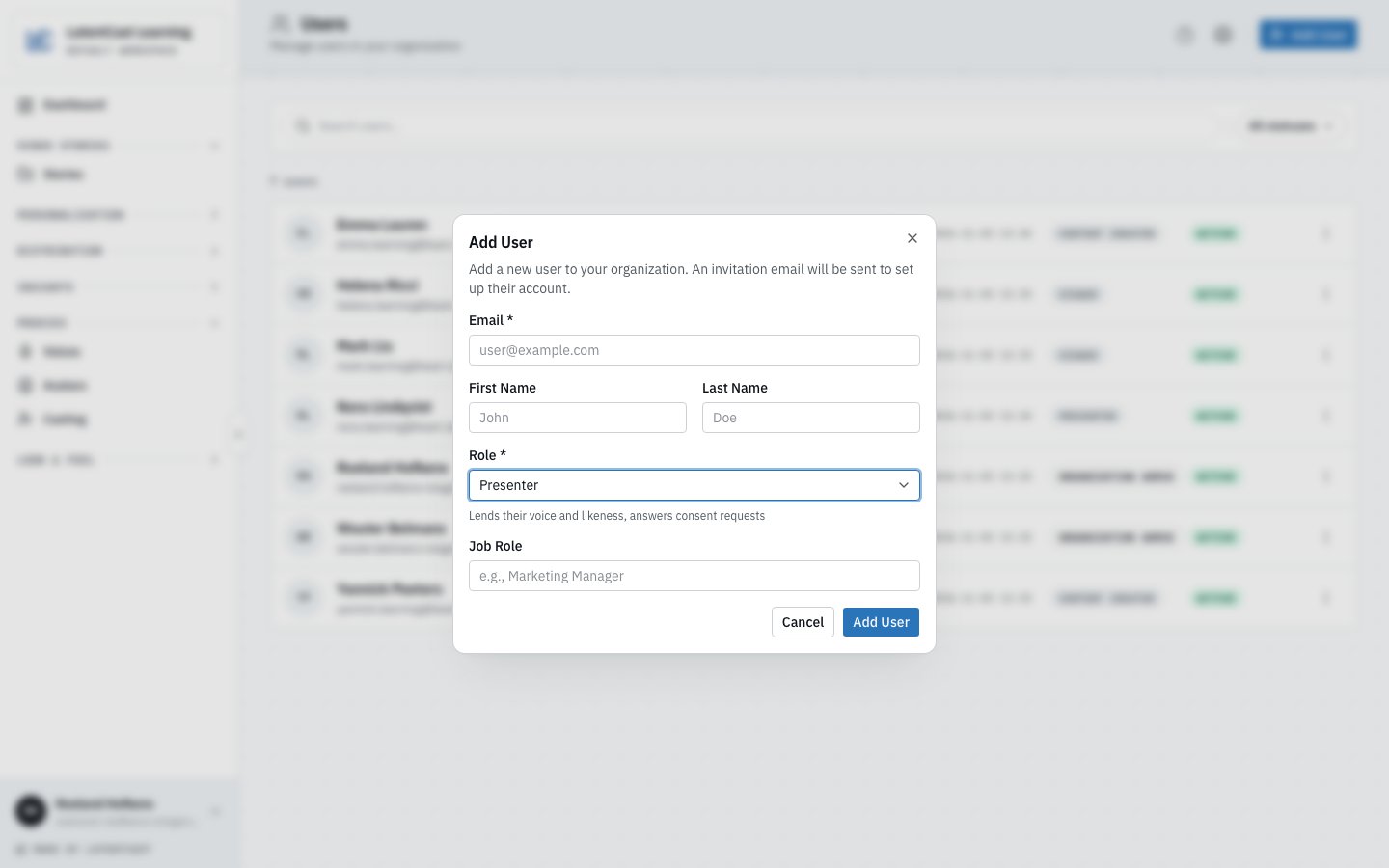
Add User: the line under the role says what it is for.
The four roles
Who presents, and with which role
Anyone can be cast. The comes from the presenter columns of your recipient list, whatever role each colleague has. The role decides what they can do around their videos:- Give Presenter to a colleague who only appears in your videos. They see a LatentCast of their own, with nothing of your organization’s other work. See Your stories and viewing pages.
- A Content Creator who is cast can change the personalized stories they present, even when a colleague made them, and reviews their narratives like a Presenter does.
- A Viewer who is cast gives consent, and changes nothing.
Inviting the cast creates the accounts it needs, with the Presenter role, at the email in your
recipient list. A colleague who already has an account must be named with the address they sign in
with: a different one looks exactly like someone ignoring their invitation. See
Presenters and consent.
Do
1
Open Manage users
Press your name at the bottom of the sidebar, then Manage users.
2
Add the colleague
Press Add User, enter their Email and, if you have it, their name, and pick a Role.
The line under the role says what it is for. Left empty, the name is asked when they set up
their account.
3
Send the invitation
Press Add User. Your colleague receives an email to set up their account.
Next
Presenters and consent
Inviting the cast, and why nothing is produced until each of them agrees.
You have been cast
The page to send to a colleague you have cast.
Your plan and its limits
Creator seats, avatars, and what a lock means.