

What you see when you sign in
Your sidebar has Dashboard, Requests, Stories, Viewing pages, Voices and Avatars. The Dashboard opens first:- Your tasks: what waits for you, such as a casting request to answer or narratives to review, each with a button straight to it.
- Requests: how many campaigns ask you to present, with Review and consent. While nobody has, it says When someone casts you, the request appears here.
- Your proxy: the and voice LatentCast uses for you. Manage opens them, or Set up while they are missing. A stock presenter shows Stock and until you record your own; Set up then lets you make your own.
- Where your proxies are used: how many personalized stories use you and how many of their viewing pages are live, then your latest stories. Press a number or a name to open it.
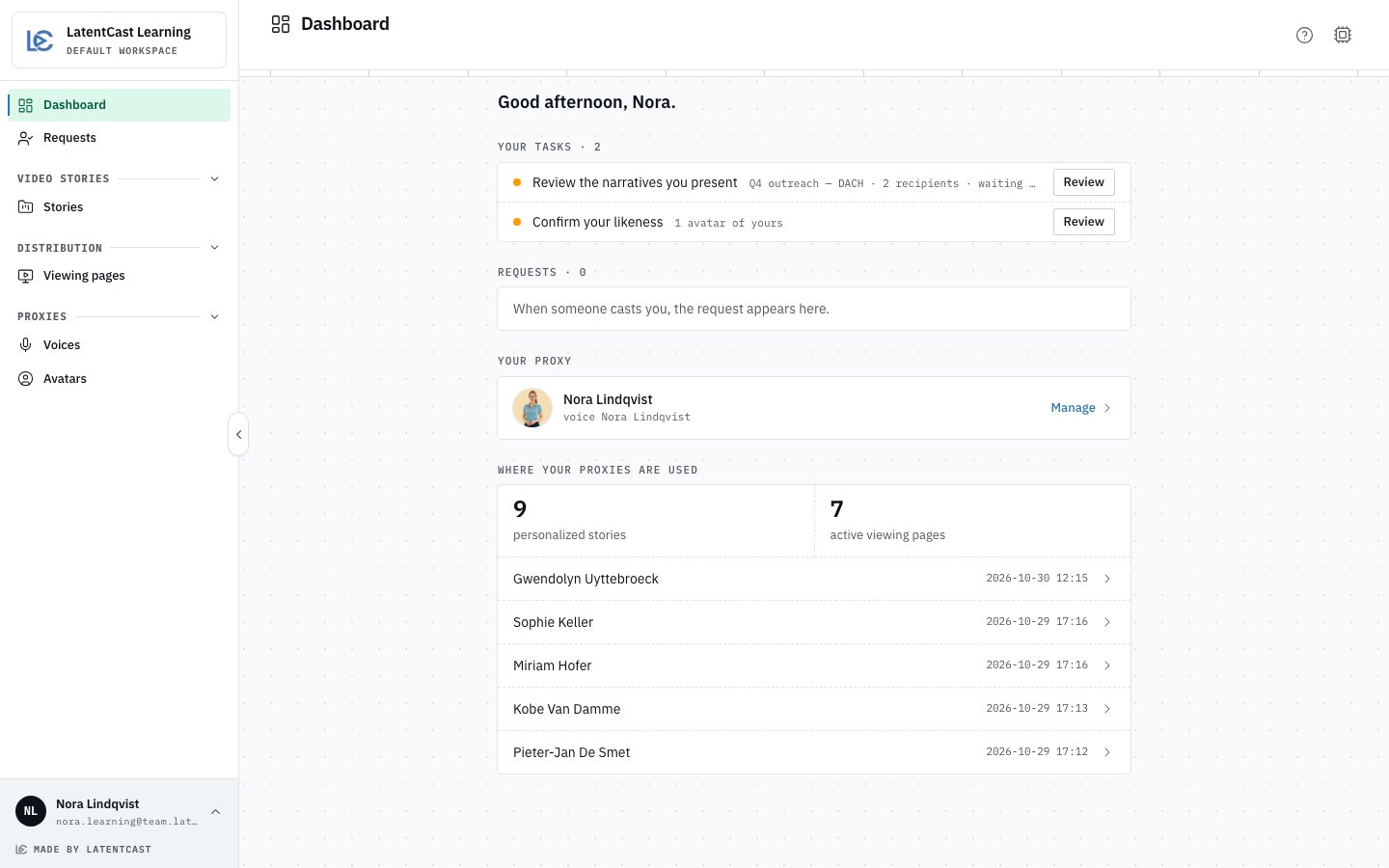
A presenter's Dashboard: tasks, requests, their proxy, and the stories that use it.
Your stories
Stories lists the personalized stories you present, newest first, one per recipient. A story whose batch waits for the campaign team’s review says Awaiting review. Open a story to see who it is for and its preview.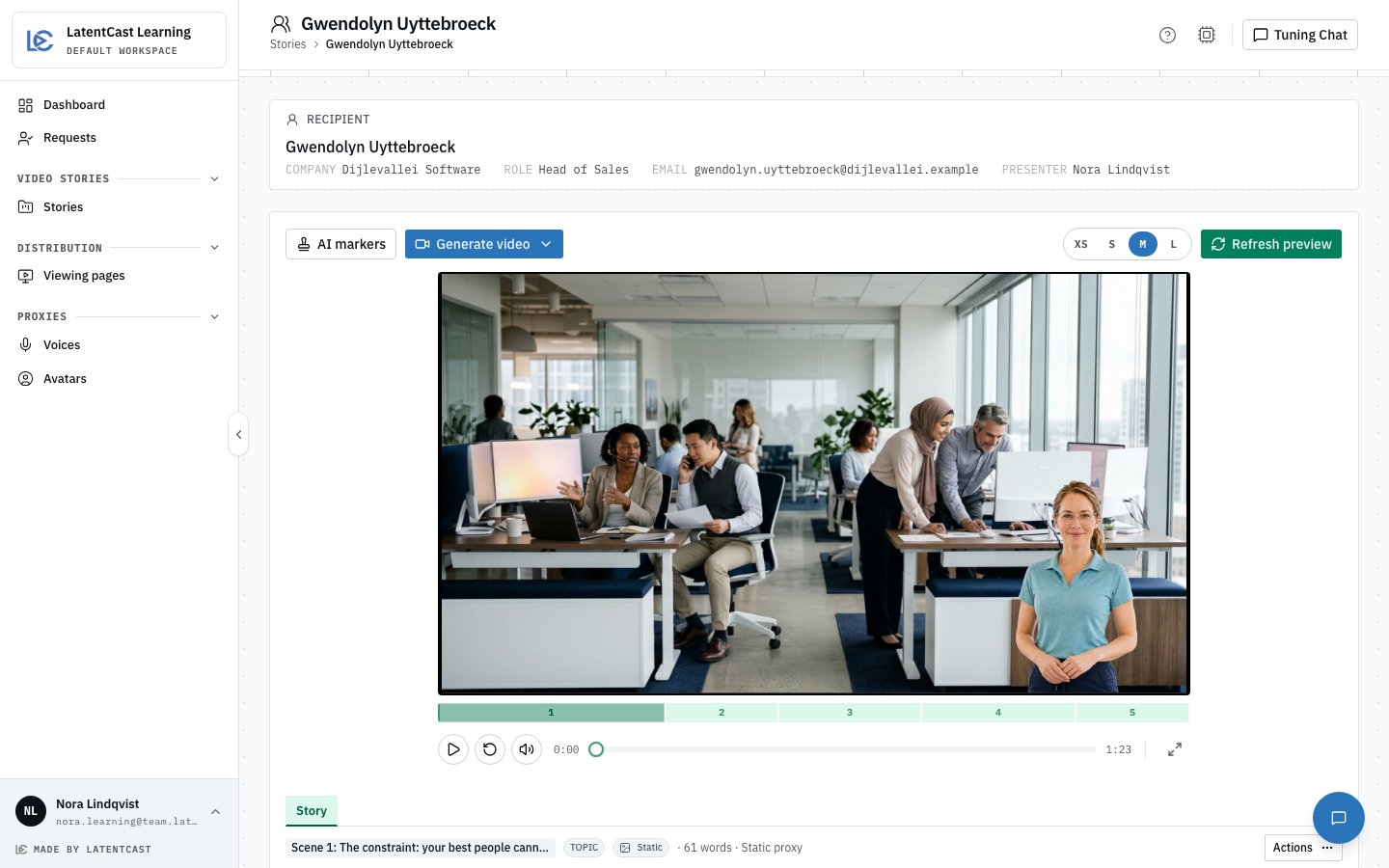
One of your stories: the recipient on top, the preview, and Tuning Chat, AI markers and Generate video.
What you can change
It goes out in your name, so you can correct what it says and how you appear:- The script, scene by scene, in the Story tab under the preview.
- Your avatar and your voice: another of your own, or a stock presenter. Never a colleague’s.
- Tuning Chat: ask for a change in your own words. Tuning Chat at the top right opens and closes it.
- AI markers: how the video says it is AI-generated. Your campaign team usually sets them; see AI transparency.
Making the video again
After a change, press Generate video ▸ Full video for sharing. A line under the recipient card shows how far it is: rendering, applying the AI markers, publishing, encoding. Your viewing page switches to the new video once it is ready and keeps the old one until then. If it fails, the line says Video failed and your page stays as it was: generate it again, or ask your campaign team.While the campaign team reviews a story’s narrative, its header says In narrative review and
Generate video is not offered: the voice is made from the approved text. Review all
narratives takes you to your review. See
Reviewing your narratives.
Your viewing pages
Viewing pages lists the pages of the stories you present. Each follows its story’s current video, so a video you make again reaches your recipient on the same link. See Viewing pages.Next
Reviewing your narratives
Read and correct what will be said, before the videos are made.
Giving consent
Your casting requests, under Requests.